How to download Telegram videos on Mac safely
Use Telegram Web in Chrome on Mac, filter videos with TG Media Organizer, and save locally without risky sites or extra apps.
Why this happens
- •Telegram Desktop on Mac can be heavy and lacks bulk export.
- •Online downloaders may not work reliably on macOS browsers.
- •Copying links between mobile and Mac is tedious.
- •Safari extensions often lag; Chrome is more reliable for Telegram Web.
Why TG Media Organizer works better
- ✓Runs in Chrome on macOS—no extra installers needed.
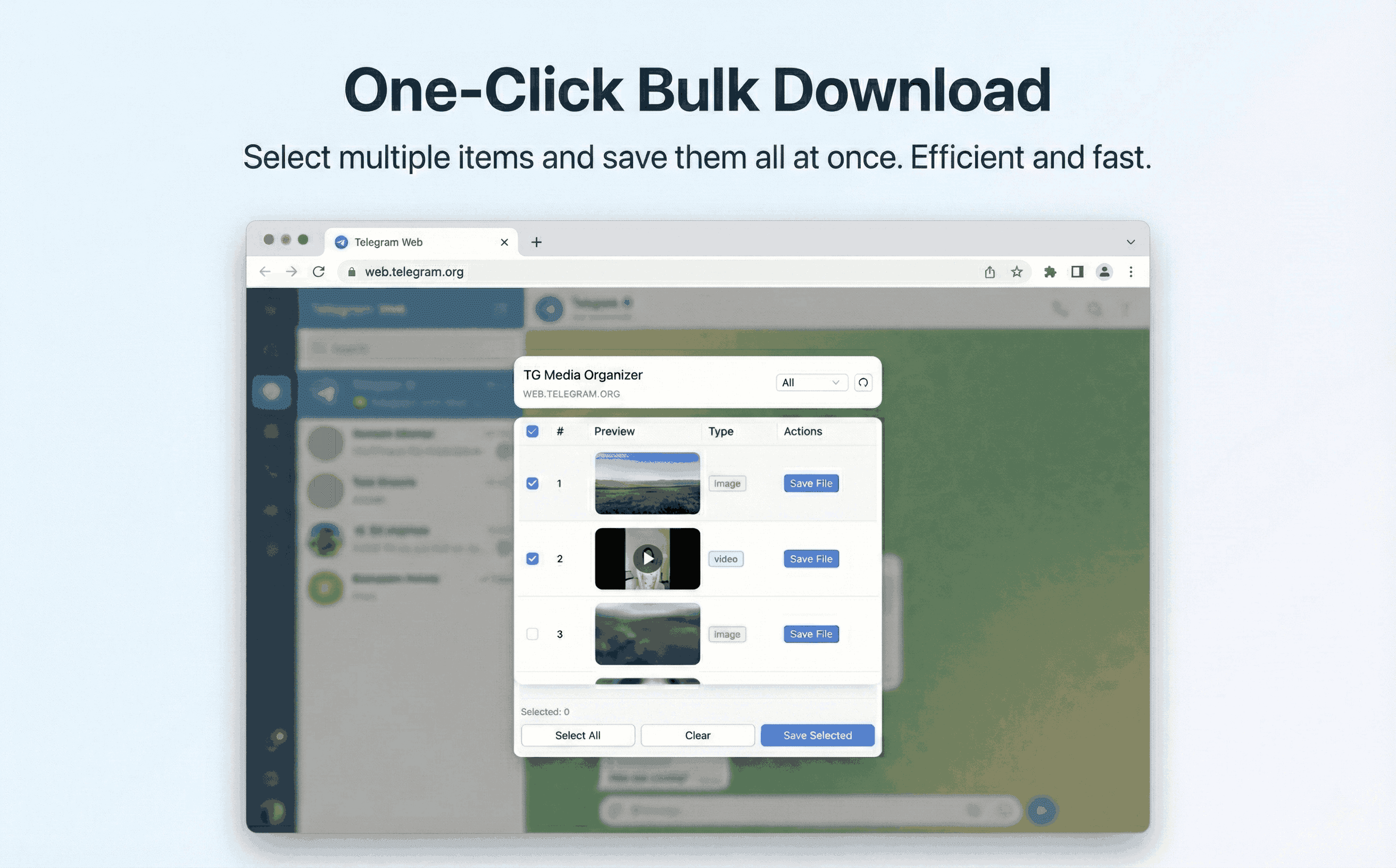
- ✓Filter videos directly in Telegram Web and save locally.
- ✓Manual flow keeps compliance and avoids hidden automation.
- ✓Good for Intel and Apple Silicon Macs alike.
How it works
Follow the same three-step flow across any Telegram chat or channel you can access.
Step 1
Open Telegram Web in Chrome on your Mac and sign in.
Step 2
Open TG Media Organizer, filter to videos, and select what you need.
Step 3
Download to your Mac’s local storage; organize in Finder.
Use cases
These scenarios come directly from how users manage Telegram media today. Stay compliant and manual—no automated scraping.
- •Mac-based editors collecting clips from channels they follow.
- •Students saving study materials on their MacBooks for offline review.
- •Remote workers backing up team updates on a Mac.
- •Creators archiving inspiration from public channels on macOS.
FAQ
No. It works in Chrome with Telegram Web, so you can skip the desktop app if you prefer.
The extension is built for Chromium-based browsers. Use Chrome or another compatible browser on Mac.
It’s lightweight. For large downloads, keep the Telegram Web tab active to maintain progress.
Start organizing Telegram media you already can view
Install the Chrome extension, keep everything manual and transparent, and upgrade to Pro when you need higher limits.
- • Local processing—no uploads
- • Filter-first workflow for photos, videos, audio
- • Manual downloads with progress feedback
- • Built for channels and groups you can already view