Back up Telegram channel media you already can access
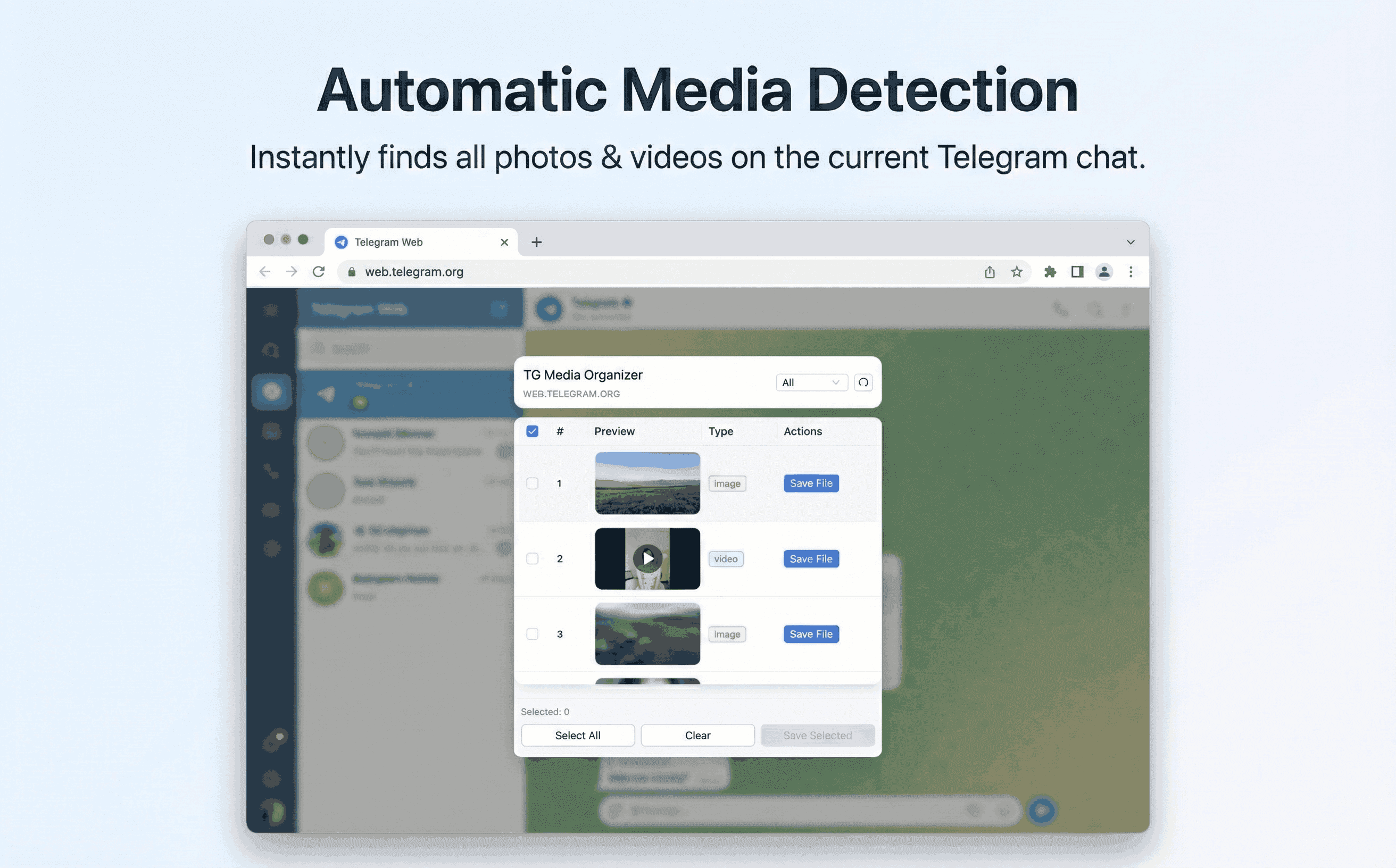
Build a safe backup workflow for channels you manage or follow. TG Media Organizer lists visible media, lets you filter, and saves locally—no scraping.
Why this happens
- •Channels can prune old posts, making media hard to recover.
- •No built-in bulk export for videos/photos on Telegram Web.
- •External backup tools can be risky or break channel rules.
- •Teams need predictable, auditable backup steps.
Why TG Media Organizer works better
- ✓Channel-wide media view with filters for video/photo/audio.
- ✓Manual selection to avoid over-collection or policy issues.
- ✓Local downloads—no server copies of your channel content.
- ✓Repeatable steps for team SOPs.
How it works
Follow the same three-step flow across any Telegram chat or channel you can access.
Step 1
Open the channel in Telegram Web and let messages load.
Step 2
Launch TG Media Organizer, filter media, and select items to back up.
Step 3
Download to your device or shared drive; document source channels.
Use cases
These scenarios come directly from how users manage Telegram media today. Stay compliant and manual—no automated scraping.
- •Community managers archiving campaign assets before cleanup.
- •Teams preserving compliance evidence from official channels they own.
- •Creators backing up their published videos in organized folders.
- •Volunteers saving important announcements from public channels.
FAQ
No. It only works with channels you can already access and view in Telegram Web.
It focuses on media (video/photo/audio) you can view. Text backup is not included.
Directly on your device or the storage you choose. We do not host your backups.
Start organizing Telegram media you already can view
Install the Chrome extension, keep everything manual and transparent, and upgrade to Pro when you need higher limits.
- • Local processing—no uploads
- • Filter-first workflow for photos, videos, audio
- • Manual downloads with progress feedback
- • Built for channels and groups you can already view